Magic Camera
A child-safe camera toy that turns a photo into AI art. You install it from the browser, there is no app store and no account, and every prompt is wrapped in a safety instruction before it reaches the model.
Stack: Next.js 15 (App Router), React 19, TypeScript, Supabase (Postgres and private Storage), OpenAI image-edit (gpt-image-1) with a vision model for the surprise feature, Tailwind. Deployed on Vercel. Status: Active. Built as a one-week experiment, loosely inspired by OpenAI’s imagegencam. Source: private. Live: magic-camera-nu.vercel.app
The story
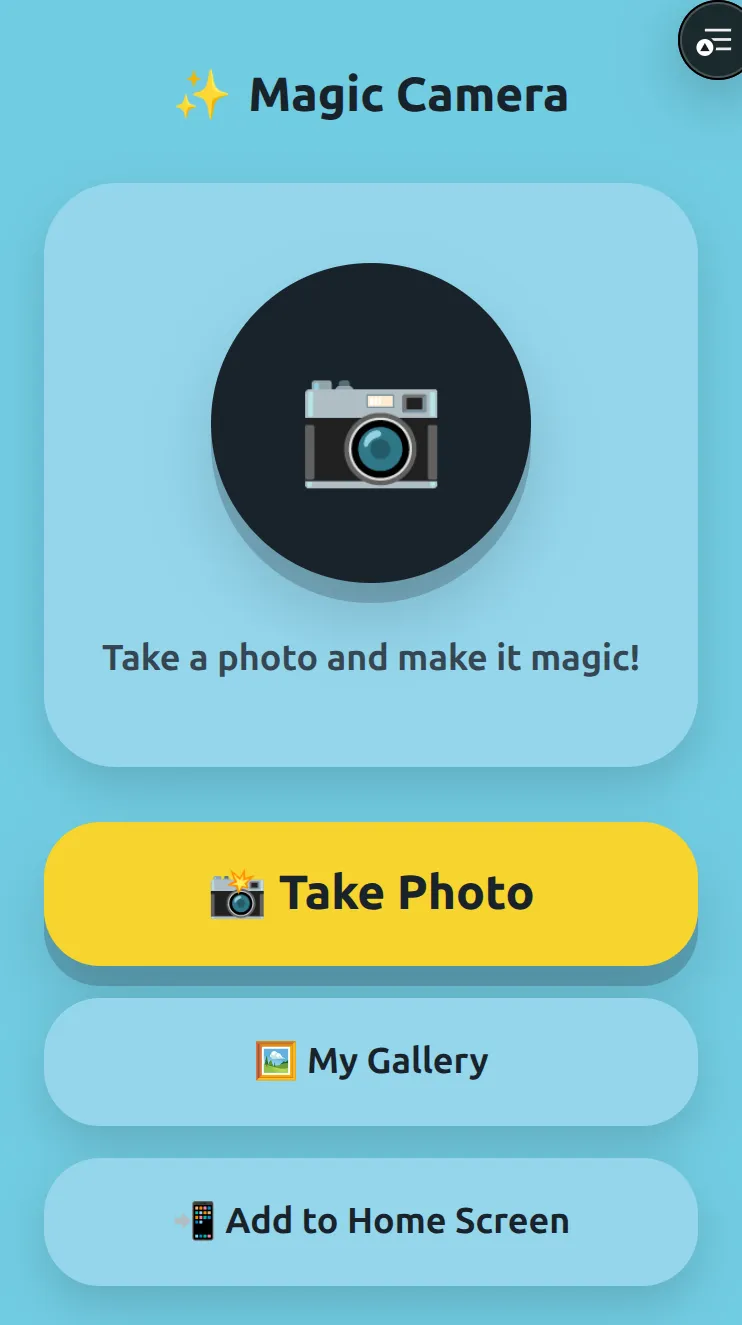
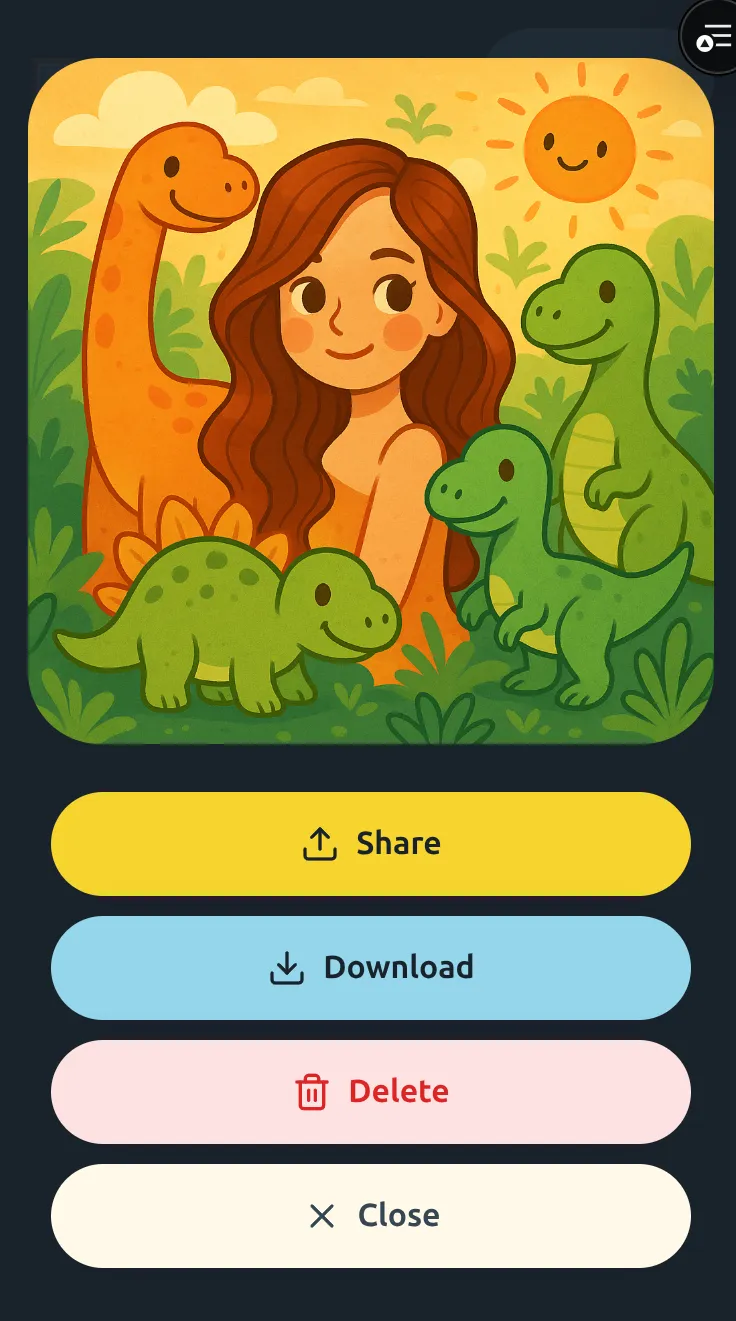
Magic Camera is the fun half of the same experiment behind SpendSilo: take an app that would normally be a Play Store download and see whether it can just be a website. This one is built for a four-year-old. You hand over an old phone, the child taps a big camera button, photographs the dog or a toy or their own face, picks a style, and a few seconds later the photo comes back as a superhero, a dinosaur scene, a robot, or a storybook drawing.

There is no typing anywhere. You cannot hand a small child a free-text prompt box, so the whole interface is big preset buttons plus one “Surprise Me” button. The child picks, the phone does the rest. That single constraint, no user-written prompts, drove a lot of the design.
It is a real installable app from the browser. It goes on the home screen, opens full-screen in portrait, and the gallery still works with no signal. The kind of thing that used to need a store listing and a download, running off a URL instead.
How the snap-to-art loop works
- The child taps the camera button. The app asks for the camera, or falls back to picking a photo if permission is refused.
- The photo is shrunk and uploaded straight into a private storage bucket through a short-lived signed link. The browser never holds a public file URL.
- The child taps a style (Superhero, Dinosaur World, Space Explorer, and so on) or taps “Surprise Me”.
- On the server, the chosen style is wrapped inside a fixed child-safety instruction (no horror, weapons, or adult themes) and sent to OpenAI’s image-edit model with the original photo as the source.
- “Surprise Me” adds a step: a vision model looks at the actual photo and invents one silly, safe idea, then that idea runs through the same image-edit call. The child never sees the prompt.
- The new image comes back, gets saved to a private gallery and cached on the device, and appears on screen. The child can share it, save it, or turn it into a phone wallpaper.
The safety and control layer
The interesting work is the guardrails, not the picture generation.
- A child never writes a prompt. Presets and “Surprise Me” are the only inputs, and the surprise idea is invented server-side and never shown.
- Every call to the model carries the same child-safety instruction at the boundary. It is part of the request, not a hint in a system prompt that a clever child could route around, because there is no place for a child to type.
- A hidden parent area opens on a long-press of the logo and a PIN. It controls the daily limit, what gets kept, and which styles are switched on. The PIN is hashed, and the parent session is a signed, short-lived cookie.
- The daily generation limit is enforced inside Postgres with a per-device lock, so tapping the button quickly cannot slip extra generations past the cap. Failed generations do not count against the limit.
Architecture in one breath
Camera capture in the browser → shrink and upload to a private bucket via a signed link → server reserves a generation slot with a per-device database lock → image-edit call with the style wrapped in a child-safety instruction → result saved to a private bucket and cached on-device in IndexedDB → shown through a one-hour signed URL, never a public file.
Proof points
- Installs to the home screen, runs full-screen, and serves an offline page through a service worker that never caches API calls or signed image URLs.
- Photos upload directly to a private bucket through a short-lived signed link. The browser only ever touches one-hour signed read URLs.
- The child cannot type. Styles plus a “Surprise Me” that asks a vision model to invent a safe idea from the real photo.
- The safety instruction is wrapped around every model call at the server boundary, not left to a prompt the interface might leak.
- Daily limits live in Postgres behind a per-device advisory lock, so concurrent taps cannot beat the cap, and a failed generation is retryable without losing a slot.
- The gallery caches images on the device in IndexedDB, so it opens instantly and works with no connection.
What this proves
- AI / Agentic Systems: image-edit and vision models kept behind a server boundary, with safety wrapping on every call and rate limits enforced in the database rather than the interface.
- Design & Brand: an interface a four-year-old can actually use, the home-screen install flow, camera handling, and the playful brand.
Sibling experiment from the same week: SpendSilo.
